
Double Jump Bike Escape Player Tools & Calculators
Plan rebirths, track speed goals, and spend time smarter than raw grinding.
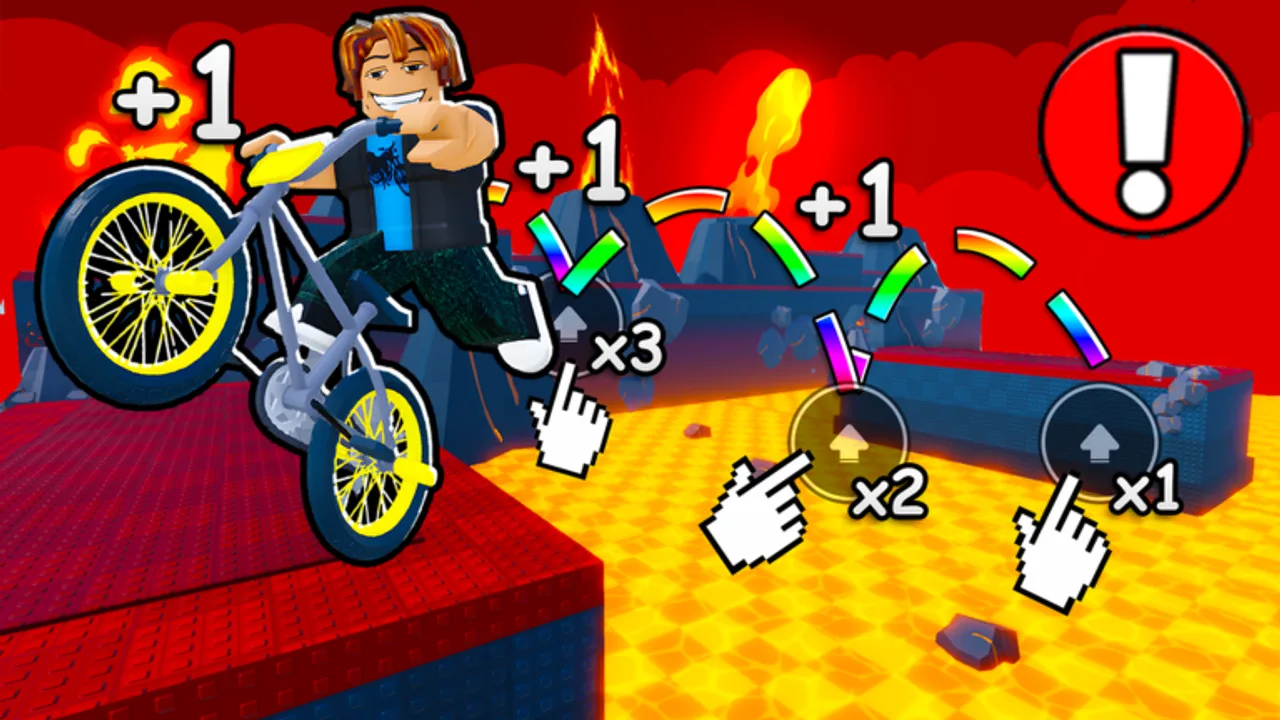
Tools on this wiki help you make decisions in [W2] +1 Double Jump Bike Escape! without breaking Roblox rules. Unlike scripts — which risk bans — these pages run in your browser and mirror the same math experienced players use on Discord and YouTube guides.
Why use wiki tools?
Double Jump Bike Escape stacks three progression layers:
- Speed from movement (+1 per step) and treadmills.
- Wins from finishing obstacle routes and unlocking bikes.
- Rebirths that reset speed while granting permanent multipliers.
Grinding without a plan leads to early rebirths that feel strong for five minutes, then stall in World 2. Tools translate your current stats into actionable next steps.
Tools in this section
Rebirth Planner
Enter wins, speed, and rebirth count to get plain-language advice: hold, reset now, or farm more wins first. The interactive widget lives mid-article — use it before every rebirth instead of guessing.
Speed Milestones
Reference thresholds where bikes, jumps, and World 2 gates start to feel different. Pair this table with the Bikes hub so you know which unlocks matter at each band.
How tools fit the rest of the wiki
| Your question | Start here | Then read |
|---|---|---|
| When should I rebirth? | Rebirth Planner | How to Play |
| Am I fast enough for the next bike? | Speed Milestones | Bikes |
| Did World 2 change pacing? | Speed Milestones | World 2 update |
| Are Gamepasses worth it? | Rebirth Planner outputs | Gamepass review |
Inputs you should track manually
Keep a simple notes app with:
- Current rebirth count
- Best speed this cycle
- Total wins
- Equipped bike tier
- Last rebirth speed (to compare efficiency)
Update after each run. Tools only help when inputs are honest — rounding up makes advice useless.
Tools vs automation
Auto rebirth scripts fire the moment a threshold hits, ignoring win pacing and World 2 gear checks. The Rebirth Planner explicitly tells you when a reset feels good but is mathematically premature.
Fair play also keeps badges and leaderboard ranks meaningful. Tools accelerate learning; scripts replace it.
Mobile and sharing
All tools are static Astro components — they work on phone browsers during a Roblox session break. Screenshot planner results for friends rather than sharing account cookies or executors.
Future tool ideas
Community requests often include win-per-hour trackers and Gamepass ROI sheets. For now, rebirth timing and speed bands solve eighty percent of “what next?” questions. Suggest additions on the Wiki overview page when new mechanics ship.
Quick start workflow
- Play one focused session and write down wins + peak speed.
- Open the Rebirth Planner before clicking rebirth in-game.
- Cross-check speed against milestones.
- Adjust bike purchases using Controls practice instead of teleport scripts.
- Revisit after major patches on the Updates hub.
Frequently Asked Questions
Quick answers to the most common questions.
Do these tools connect to my Roblox account?
No. Everything runs locally in the page. You type stats manually — nothing is sent to Roblox or third-party servers.
Are tools allowed by Roblox?
Yes. Browser calculators do not modify the client. They are the recommended alternative to scripts.
Which tool should I use first?
New players should start with the Rebirth Planner after their first 20–30 wins, then bookmark Speed Milestones for mid-game.
Do tools support World 2?
Advice text references World 2 pacing. After major patches, re-run the planner because milestone speeds may shift.
Can I use tools while scripting?
You can, but scripts invalidate fair progression. Tools are designed for legitimate play.
Where do milestone numbers come from?
Community benchmarks and in-game bike gates — update your personal notes when ChillyTea Studio rebalance treadmills.