Double Jump Bike Escape PC Controls Guide
Keyboard, mouse, and camera setup for stacking speed on World 2 bike routes.
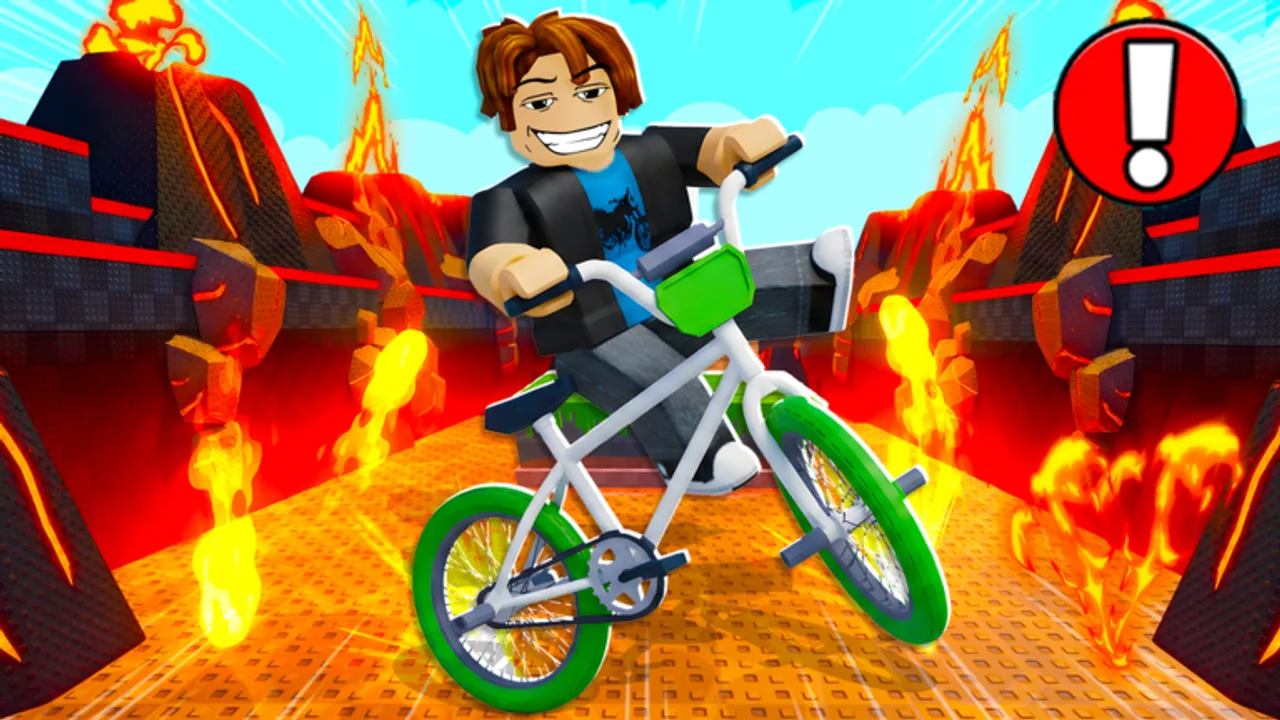
Playing +1 Double Jump Bike Escape on PC gives you the most precise camera control in the game — critical for World 2 biomes where a slightly misread gap sends you back to spawn. ChillyTea Studios built the experience around continuous movement for +1 Speed stacks, double jumps in mid-air, and optional tricks on ramps. This page documents default PC inputs, tuning habits, and advanced chains that pair with Double Jump Tips.
Mobile players should read Mobile Controls instead. Trick-specific inputs live on Trick Controls.
Default PC bindings
Roblox bike obby games typically map as follows in +1 Double Jump Bike Escape. Confirm in-game if a patch rebinding prompt appears.
| Action | Default input |
|---|---|
| Move forward / steer | W A S D or arrow keys |
| Jump | Space |
| Double jump | Space again while airborne (second press) |
| Camera | Mouse movement |
| Zoom camera | Scroll wheel (if enabled) |
| Trick / flip prompts | Click or on-screen trick buttons when near ramps (see Tricks) |
Some sections show contextual trick icons — click the prompt or press the highlighted key when the UI appears. Missing the window still allows a safe double jump landing if you prioritize survival over style.
Movement and speed stacking
Speed increases while you move continuously on the bike. PC advantages:
- Diagonal W+A / W+D smooths curved paths without snagging walls
- Micro-taps on A/D correct line without killing momentum on wide straights
- Never release W before a planned landing unless the route requires a hard stop
Stopping movement drops your effective speed gain rate. After a minor bump, resume full forward input immediately on clear ground — speed rebuilds faster than respawning from a fail reset.
Track rough pace against Speed Milestones once your starter route is clean. Numbers help decide when to upgrade bikes via Progression.
Jump and double jump on keyboard
Single jump: Space at the lip of a ramp or gap edge. Jumping too early hits the ramp side; too late clips the gap front.
Double jump: Press Space again at the apex or mid-gap when forward speed is already high. The second jump extends horizontal distance — essential for World 2 wide platforms.
PC timing tips:
- Watch the shadow under your bike for landing alignment, not only the camera horizon
- Double jump slightly before panic altitude — late second jumps often rotate you into obstacle hitboxes
- On keyboard, avoid fat-fingering Space with Shift or Ctrl — accidental crouch or UI focus breaks chains
Deep timing drills are in Double Jump Tips. Practice one biome at 60% speed until double jumps feel automatic.
Mouse camera discipline
Camera control separates PC leaderboard runners from casual riders.
Low sensitivity helps narrow beams and long gap reads. Start lower than your usual Roblox FPS setting and increase only if 180° checks feel sluggish.
Pre-turn camera before jumps — pan to the landing zone during the straight approach, not mid-air. Mid-air camera whips cause misaligned landings.
Shift Lock: Roblox Shift Lock can help or hurt depending on route width. Test both on a safe straight in a private server. Many bike players leave Shift Lock off for obby-style freedom.
If you lose sight of the landing, do not trick — focus on a clean double jump line. Tricks without vision cause fail resets; see Trick Controls.
Tricks on PC — when to add them
Tricks appear near ramps and stunt zones. On PC you usually click the prompt or press the shown key quickly during air time.
Rules of thumb:
- Learn tricks only after completing the biome without them
- Never trick on your first attempt at a new World 2 section
- Tricks can add burst speed but widen hitboxes — risk vs reward on Tricks
Roblox client settings for PC
Open Roblox settings before long sessions:
- Graphics Automatic → Manual if you experience micro-stutter on speed lines; lower one step until frame time stabilizes
- Fullscreen vs windowed — Fullscreen often reduces input lag; use what your capture/stream setup allows
- Mouse sensitivity — Match in-game feel across sessions so jump muscle memory stays consistent
ChillyTea cannot fix local FPS drops — unstable frames make Space timing feel random.
PC habits that reduce fail resets
- Route memorization — Know which jumps need early vs late double jump before sprinting
- Speed rebuild lanes — Identify straight sections after hard jumps to recover before the next gate
- Bike consistency — Switch rides in garage, not mid-route; handling changes air time (Tier List)
- Rebirth planning — Do not rebirth mid-session before a practiced run; multipliers matter less than control confidence (Progression)
- AFK training — Admin Treadmill (see Gamepass Bikes) builds speed while tabbed; still practice jumps actively on PC
PC vs gamepass — expectations
Dragon or UFO bikes on PC feel incredible because mouse camera maximizes their speed ceiling. They do not replace jump practice. Read Gamepass Review before buying premium rides for control problems that are actually timing problems.
Practice session template (30 minutes)
| Block | Activity |
|---|---|
| 0–10 min | One biome at half speed — movement + camera only |
| 10–20 min | Full speed, no tricks — double jump consistency |
| 20–25 min | Add one trick section from Tricks |
| 25–30 min | Full route attempt, note fail points for next session |
Repeat until two clean full runs back-to-back, then push How to Unlock Bikes win farming on a stronger tier.
Related pages
- Controls Hub — overview
- Mobile Controls — touch layout comparison
- Trick Controls — stunt inputs
- How to Play — full game loop
Return here after patches if ChillyTea adds new key prompts or rebinding UI for World 2 stunt sections.
Frequently Asked Questions
Quick answers to the most common questions.
What key is double jump on PC?
Press Space once to jump, then Space again while airborne for the double jump. Timing matters more than speed of button presses.
Should I use arrow keys or WASD?
Either works. WASD is more common for Roblox PC players and pairs naturally with Space using your left hand.
How do I fix camera overshooting on narrow paths?
Lower mouse sensitivity and pre-align camera during straights before jumps instead of panning mid-air.
Is Shift Lock recommended?
Personal preference. Test both on safe routes. Many bike players prefer Shift Lock off for wider camera freedom.
Why does my speed drop after small bumps?
Movement drives speed stacking. Resume forward input immediately on clear ground and avoid unnecessary stops.
Do I need a gamepass to control well on PC?
No. PC precision comes from settings and practice. Gamepass bikes add speed margin, not input fixes.